Outlandings
If you fly gliders, sooner or later you will hear someone say, “I landed out.” It sounds like an emergency, but it is one of the most practised things we do. An outlanding is what happens when you can’t find enough lift to get home and end up on another airfield or in a paddock. Every pilot is trained for it, and the Gliding Australia pilot guide (Unit 34) treats it as a normal possible outcome of any cross-country flight.
The guide covers how far you can reach from a given height (roughly 7 km per 1,000 ft above ground, plus 1,500 ft for planning the circuit) and how to pick a field using a checklist: wind, size, slope, surface, stock, surrounds and power lines, including the nearly invisible SWER lines. It also stresses making the decision to land early, rather than hoping for one more thermal. If you want the details, here is the full guide.
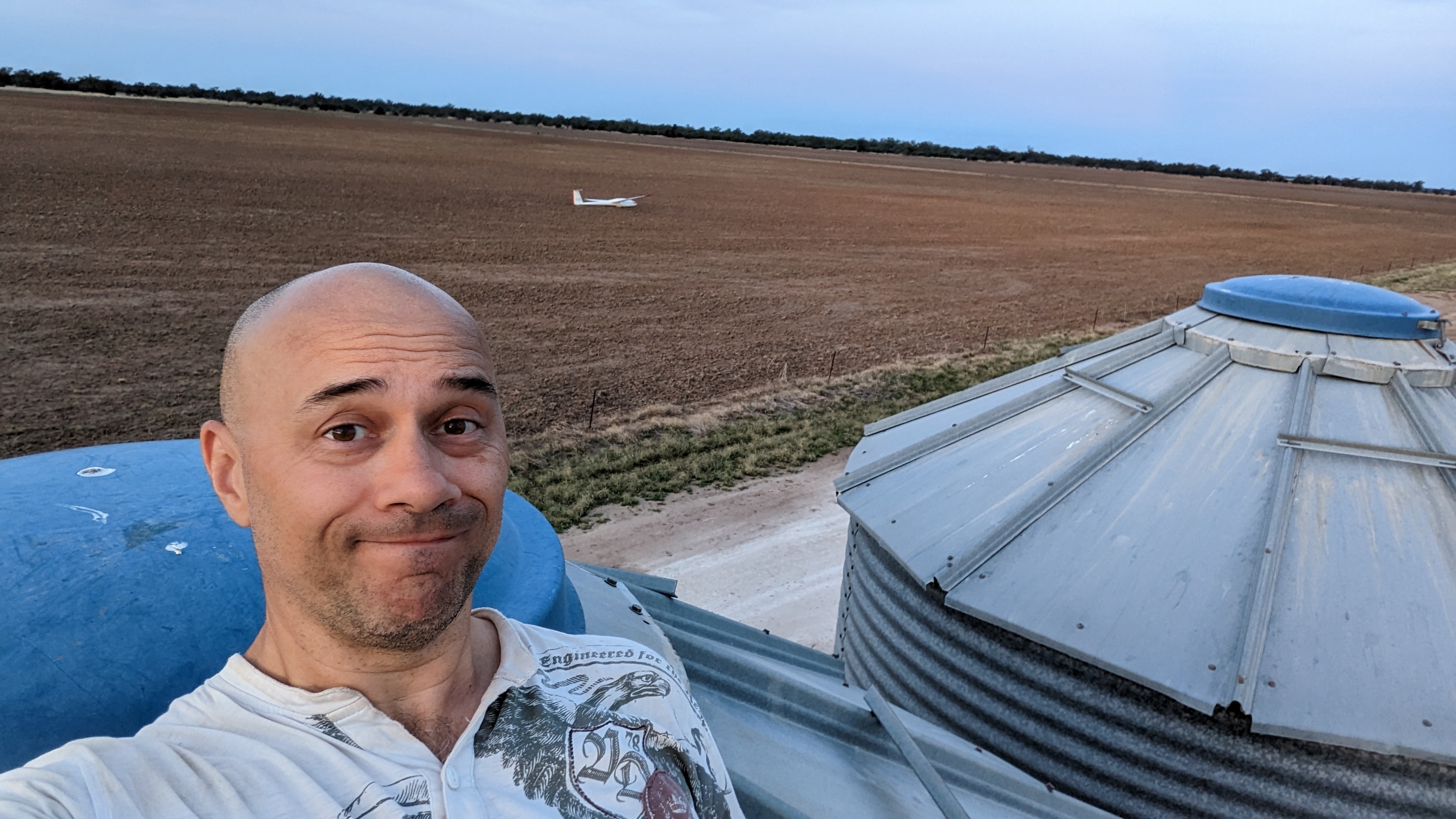 One of my outlandings. This one was in a paddock, and the glider is behind me.
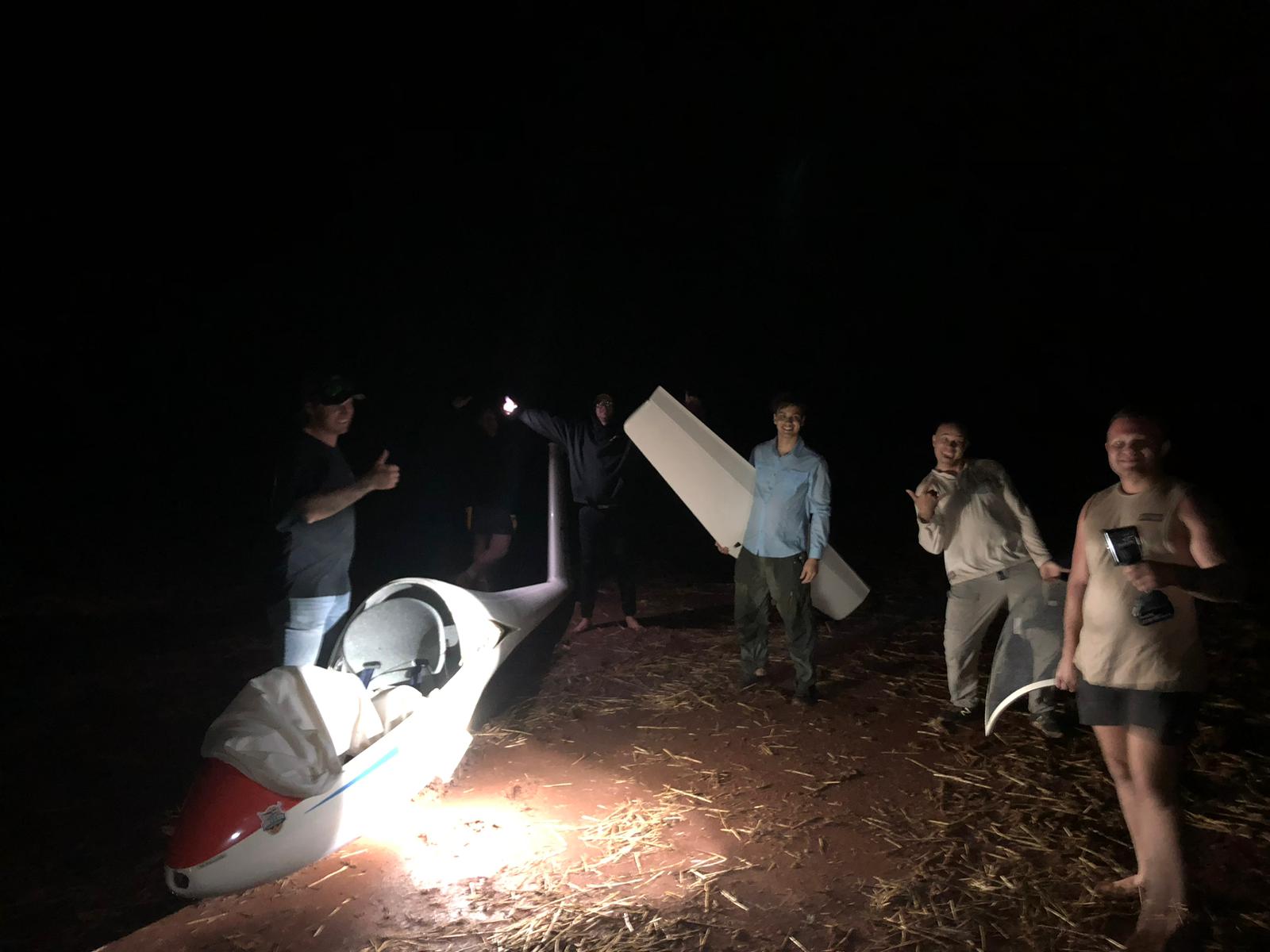 By the time the crew arrives it might be well after sunset.
So why does everyone dread it?
It is rarely about safety. It is the hassle and the cost.
- Landing at another airfield: you can usually get a tug to come and launch you again, but that is easily an extra $200-300.
- Landing in a paddock you can’t launch from: you call your home airfield and organise a few people to drive out with a car and trailer. Then you de-rig the glider and drive it all back. Depending on how far you went, you get home after dark and after dinner.
The anxiety of having nowhere to go
What bothers me most is flying with no known landable field within reach. It is an uncomfortable feeling, and it makes me fly more conservatively than I would like.
Many pilots keep a personal database of landing spots: airstrips, big paddocks they have checked out, and so on. I have one too. The trouble is maintaining it. Gliding computers use the SeeYou .cup format, and editing that by hand is like writing an application in assembler. You open a text file and type in location codes, names, runway directions, lengths and GPS coordinates, one line at a time. The format specification is several pages long.
There is also no central database. My list lives in my file, yours lives in yours, and sharing means emailing text files around.
What I built
So I built a website: outlanding.au.
- Browse all the landing points on a map.
- Open any location to see its details.
- Build a selection by clicking individual points, by picking a point on the map and a radius (50, 100, 200, 500 or 1000 km), or by selecting everything.
- Download your selection as a
.cupfile and import it straight into your gliding computer.
If you sign up, you can also upload your own outlanding points, and comment on and up/down vote existing ones. That way the community can flag which spots are still good and which have gone stale.
No more hand-editing text files.
How it works under the hood
It is written entirely in TypeScript. Next.js 16 (App Router) and React 19 handle both the user interface and the API, and MapLibre GL draws the map. Data lives in PostgreSQL with the PostGIS extension, so location-based queries run in the database against a GiST-indexed geometry column. Prisma handles the schema, migrations and data access. Sign-in uses Auth.js (NextAuth v5) with email and password, plus Google OAuth when it is configured. Uploaded files go to Azure Blob Storage. The core .cup parser has no dependencies, and the tests use Node 24’s built-in test runner and native TypeScript support, so the core libraries need no separate build step.
Hosting and deployment
The site runs on Microsoft Azure in the Australia East region. The app is packaged as a multi-stage Docker image built on node:24-slim that runs Next.js in standalone mode, and that image runs on Azure Container Apps. The database is Azure Database for PostgreSQL Flexible Server on a small Burstable tier, and uploads go to a private Blob Storage account.
Deployment is fully automated with GitHub Actions. Every push to main builds the image and pushes it to GitHub Container Registry. The workflow then signs in to Azure using OpenID Connect (OIDC), so no Azure passwords are stored in GitHub. Next, it briefly opens the database firewall to the build runner’s IP address, runs prisma migrate deploy, and closes the firewall again, even if the migration fails. Finally, it rolls the new image out to Container Apps. Every pull request is type-checked, tested and built first, and SonarQube scans the code for quality and test coverage.
Help me grow it
A database like this is only as good as its contents. If you have landing spots worth sharing, sign up to add them one by one or import your own waypoints, and vote or comment on the ones already there. Notes about surface, slope and obstacles are just as valuable as the coordinates.
A reminder: a database entry is a starting point, not a guarantee. Crops, stock, season and wind all change, so always assess the field yourself on the day, using the same checklist you were trained on.